TiK•TaK — watch configurator
Online watch configurator: build your watch in 5 steps or describe it in one sentence to the AI, then save it and order it.
- Web development
- Design & UX
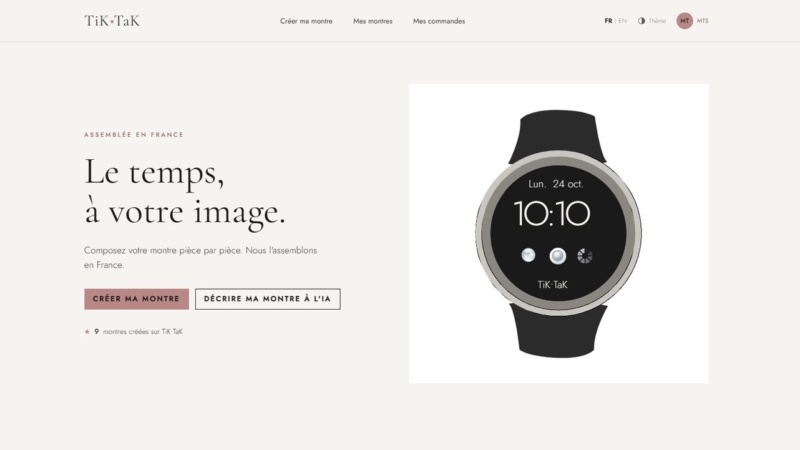
Context
Professional simulation project of the BUT MMI degree (SAÉ 301): “Design and develop a user experience”. The brief: create the online configurator of a fictional watch brand, TiK•TaK (made in France, minimalist style, aged 25-40 target), and involve users in creating their own model.
My role
From story map to launch: UX/UI design (Figma), database, full-stack development and deployment on a Linux server.
- Context
- Professional simulation project (SAÉ)
- Team
- Solo
- Period
- November 2026
Goals
- Build, customise, save and order a watch; find, edit and delete your creations; track your orders
- Configure a watch in natural language using AI
- Reach a 3% conversion rate within 6 months through 6 marketing nudges, each linked to a cognitive bias
- Deploy the site on a server, with Google sign-in
Outcome
A live, bilingual site (French and English): 5-step configurator with live preview, “on the wrist” view, AI creation, Google or email accounts, “My watches”, orders and history, dark mode. Hosted on the university’s VPS over HTTPS, with automatic deployment on every push via GitHub Actions.
<under-the-hood />
Under the hood
Front-end
-
 Astro
-
 Tailwind CSS
- TypeScript
Back-end & data
- Bun
- SQLite
Design
-
 Figma
Deployment & management
-
 Git & GitHub
-
 VPS Linux
Technical choices
- Journey before interface: story map, brand guidelines, then desktop and mobile Figma mockups
- AI rather than a quiz: an AI block with clickable examples replaces a three-screen quiz
- Constrained AI: its answer follows a JSON schema that only accepts real components from the database, so it can’t invent products
- Security: Zod validation, price recalculated by the server, IDOR protection, AI rate limiting
- SVG watch generated by a single function, on the server and in the browser, with unique IDs to display several watches on one page
Challenges and solutions
-
bug #1
Watches on the same page “stole” each other’s colours and gradients
Cause: The provided SVG reuses the same classes and IDs in every copy
✓ fix Solution: Rename classes and IDs for each watch so every SVG is independent
-
bug #2
The AI could suggest components that don’t exist
Cause: Free-text answer
✓ fix Solution: A JSON schema that only accepts database IDs, plus a fallback
-
bug #3
The site redirected to another of my projects, with a certificate error
Cause: The Apache server used another site’s configuration
✓ fix Solution: A dedicated virtual host for the project, then an HTTPS certificate
-
bug #4
The service wouldn’t start
Cause: Wrong Bun path in the systemd file
✓ fix Solution: Fix the path and reload the service
-
bug #5
Dark mode was “all black”
Cause: Nearly identical backgrounds, black watches invisible
✓ fix Solution: A multi-level charcoal-brown palette and a glow around the watches
-
bug #6
The on-the-wrist view wasn’t convincing
Cause: A plain colour band for the arm
✓ fix Solution: A hand drawn in SVG, skin tones, strap cut at the edges of the wrist
Full process
-
Step 1: Story map
The user’s steps, from discovery to order, and the tasks at each step.
-
Step 2: Brand guidelines and mockup
Powder-pink guidelines on a cream background, light and dark themes, desktop and mobile Figma mockups.
-
Step 3: Marketing nudges
SMART goal of a 3% conversion rate and 6 nudges linked to cognitive biases (IKEA effect, social proof…).
-
Step 4: Database
Conceptual and logical data models in Looping, SQLite database and 17 SQL queries.
-
Step 5: Development
Server-rendered Astro site with Bun: SVG configurator, AI, Google sign-in, orders, security.
-
Step 6: Deployment
Linux VPS, Apache, Let’s Encrypt HTTPS, systemd service and continuous deployment with GitHub Actions.
What I learned
Starting with the story map and the user journey saved me time on the interface: I knew what to build before opening Figma.
In 4 days, I learned to prioritise: core features and deployment first, polish second.
Project preview
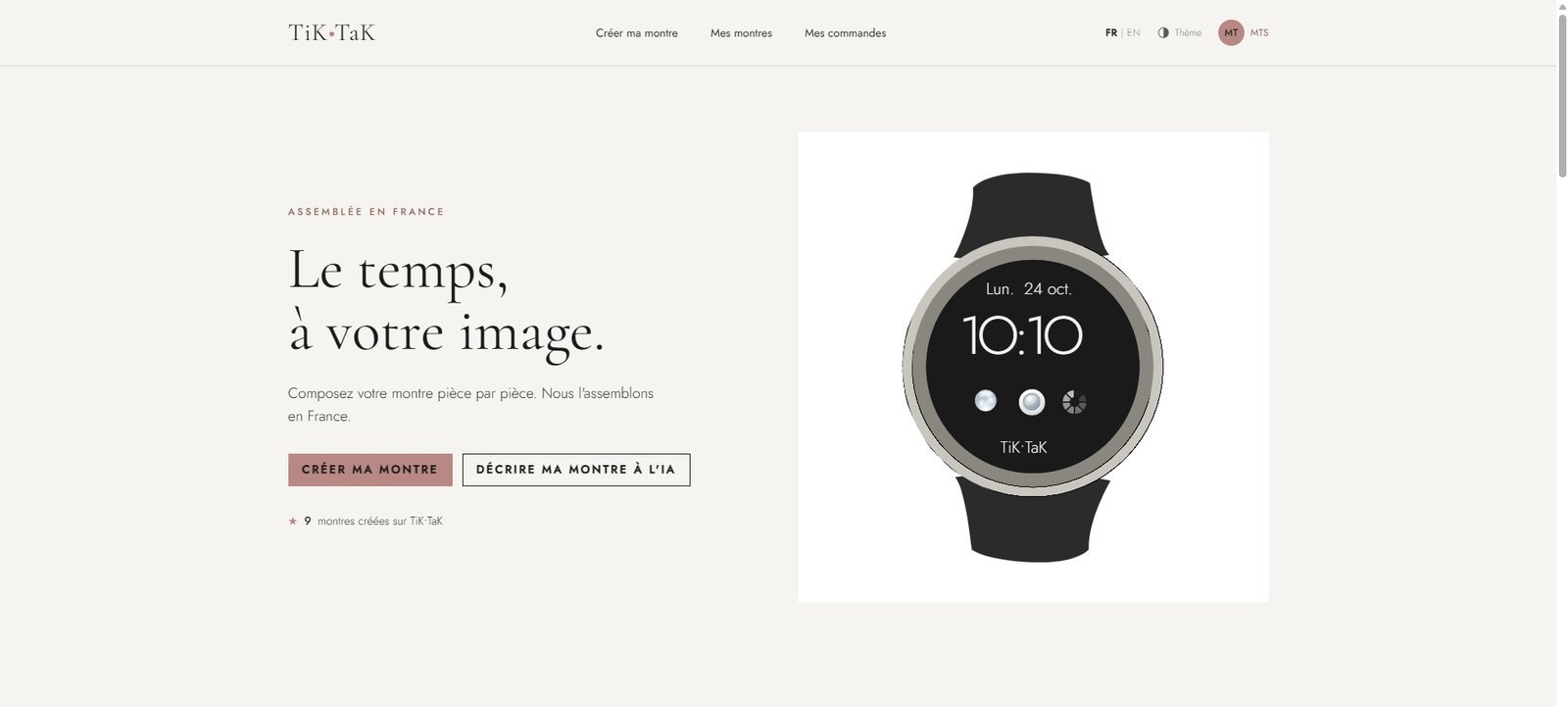
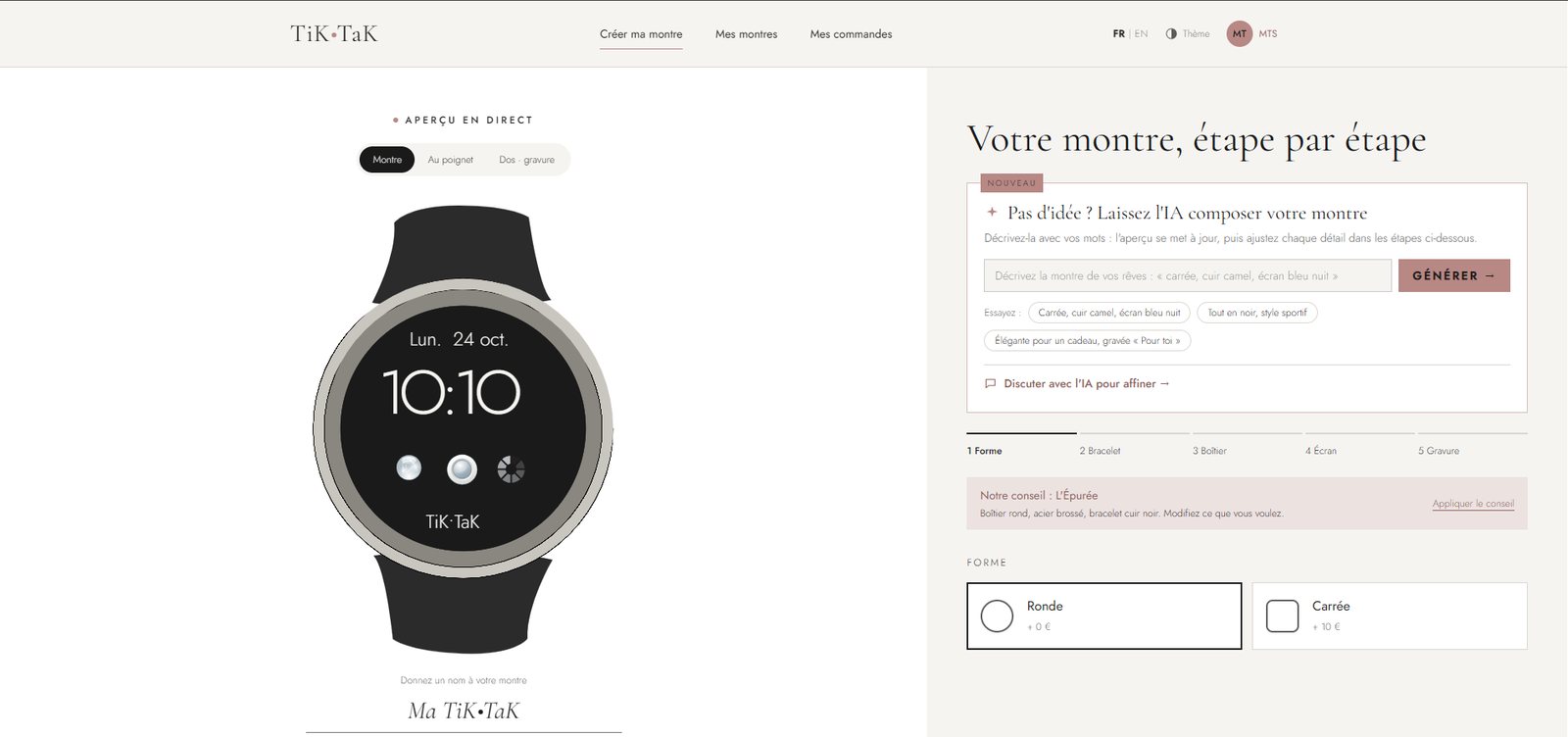
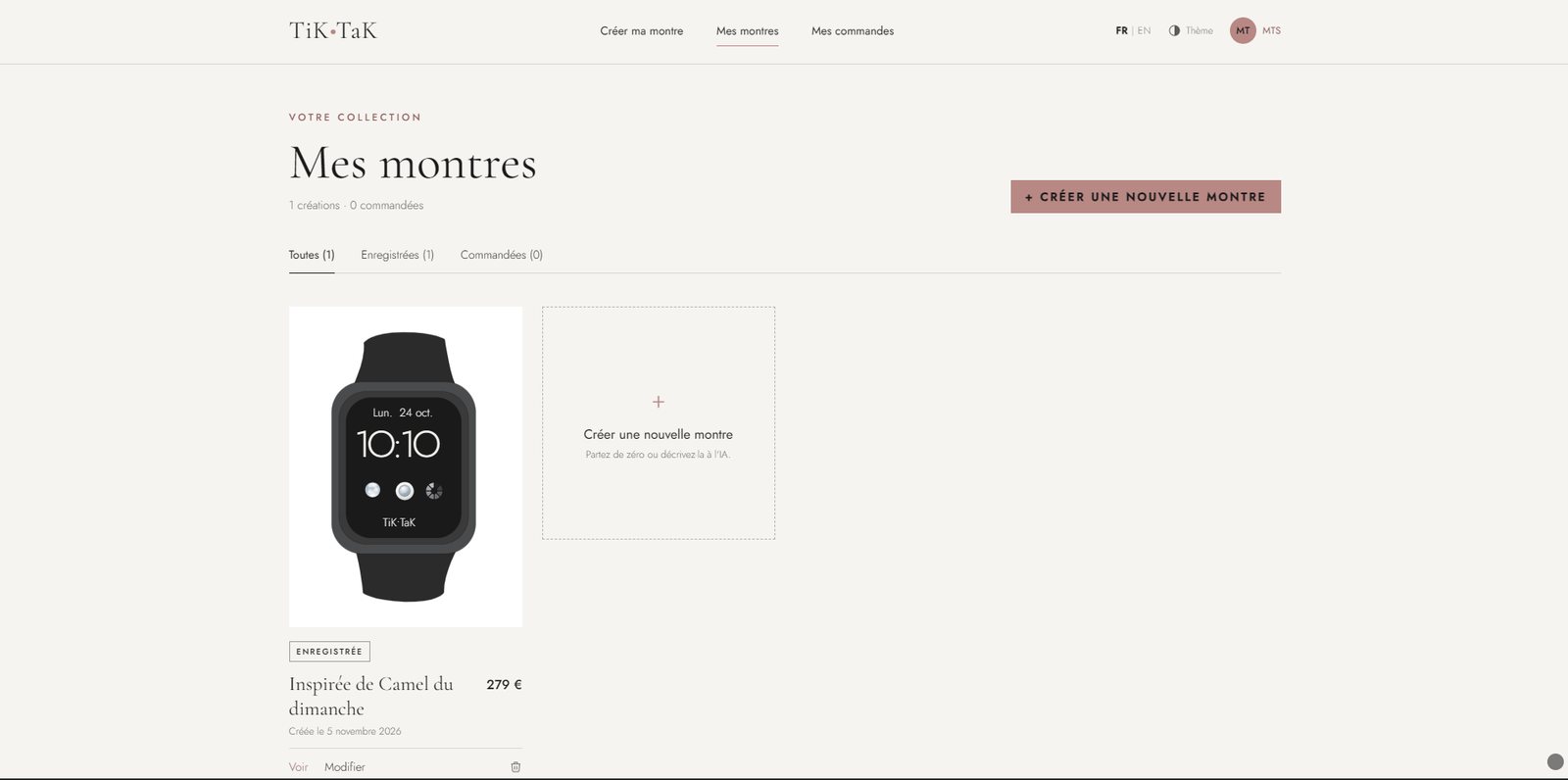
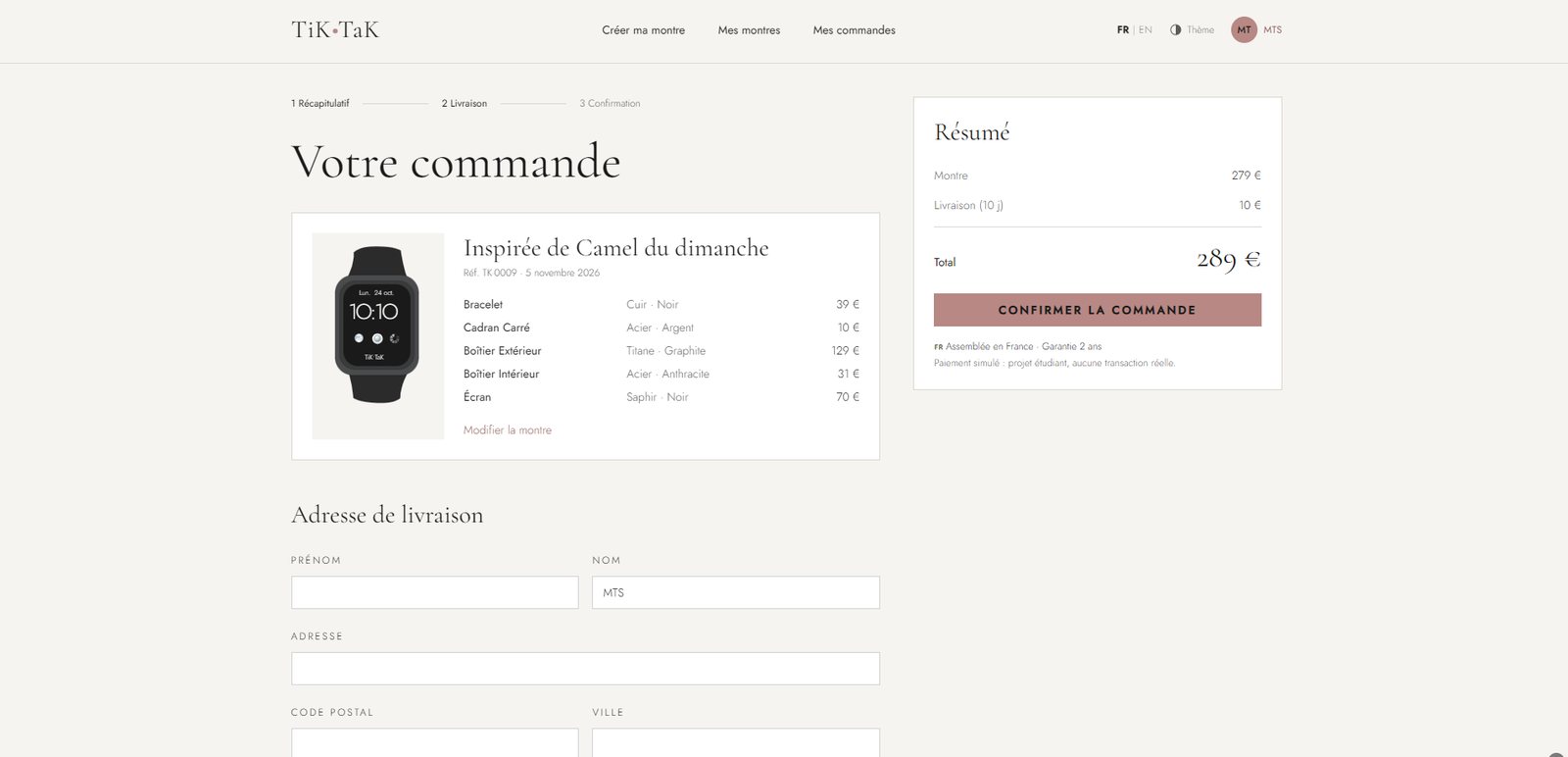
The site runs live on all three devices. Click a device to browse inside it.
Open the site in a new tab ↗